Job Portal
Publish a branded career page where candidates can browse open positions and apply directly into your pipeline.
Customize your portal
Go to Job Portal in the sidebar, then open the Portal Editor. Choose your primary color, background color, font family, and customize the header, footer, and page content.
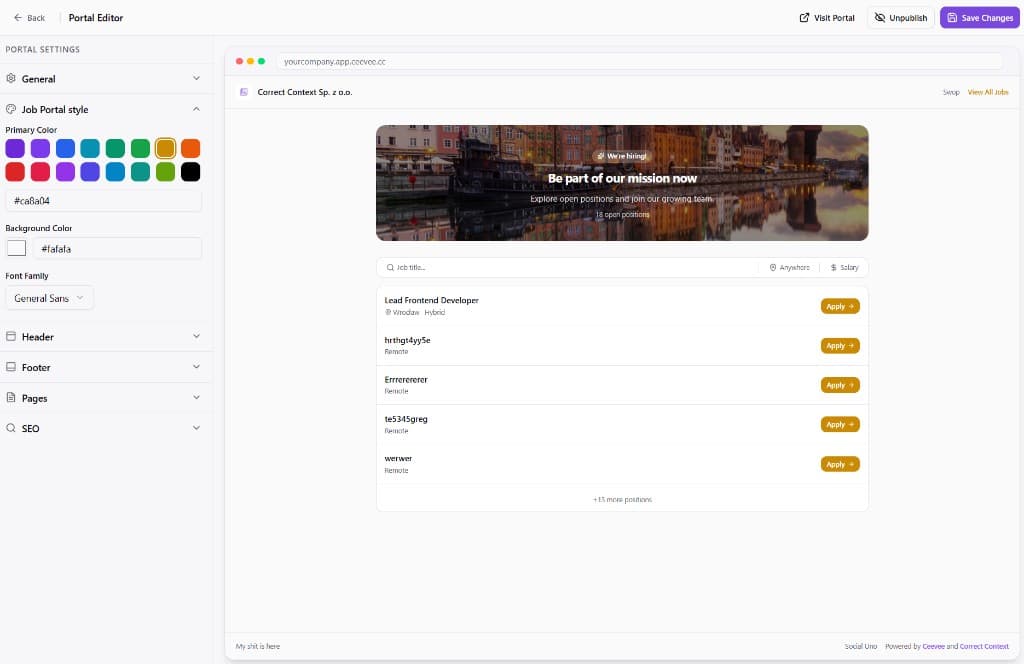
Preview your portal
The editor shows a live preview of your career page. You’ll see the hero banner, job search bar, and all open positions listed with an Apply button.
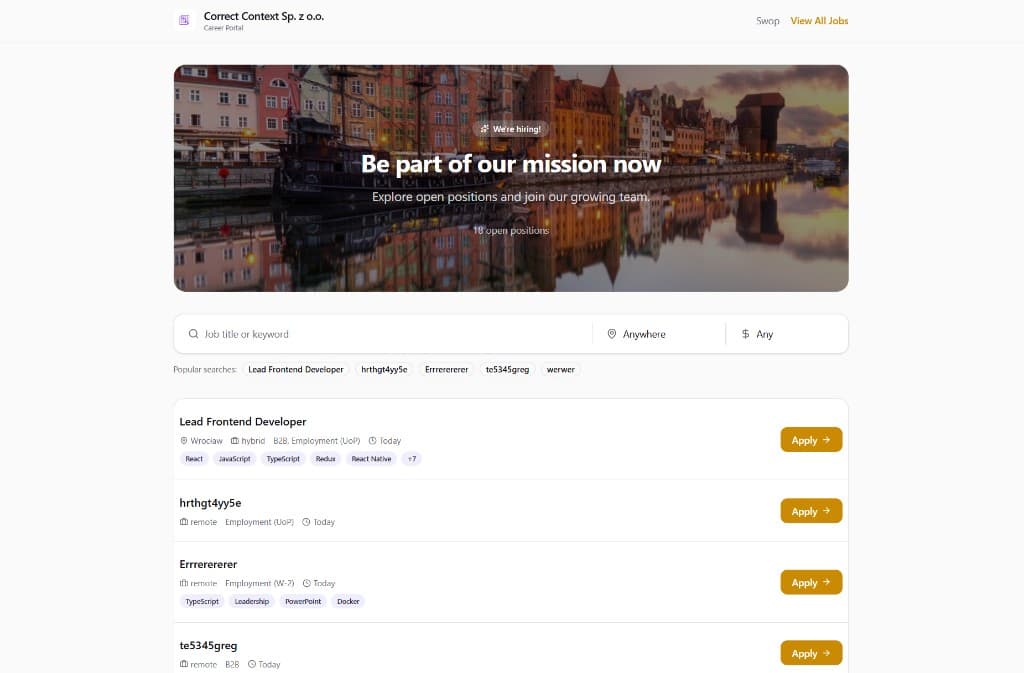
Candidate view — Browse jobs
Candidates visiting your portal can search by job title or keyword, filter by location and salary, and see popular searches. Each listing shows job type, contract, date posted, and required skills.
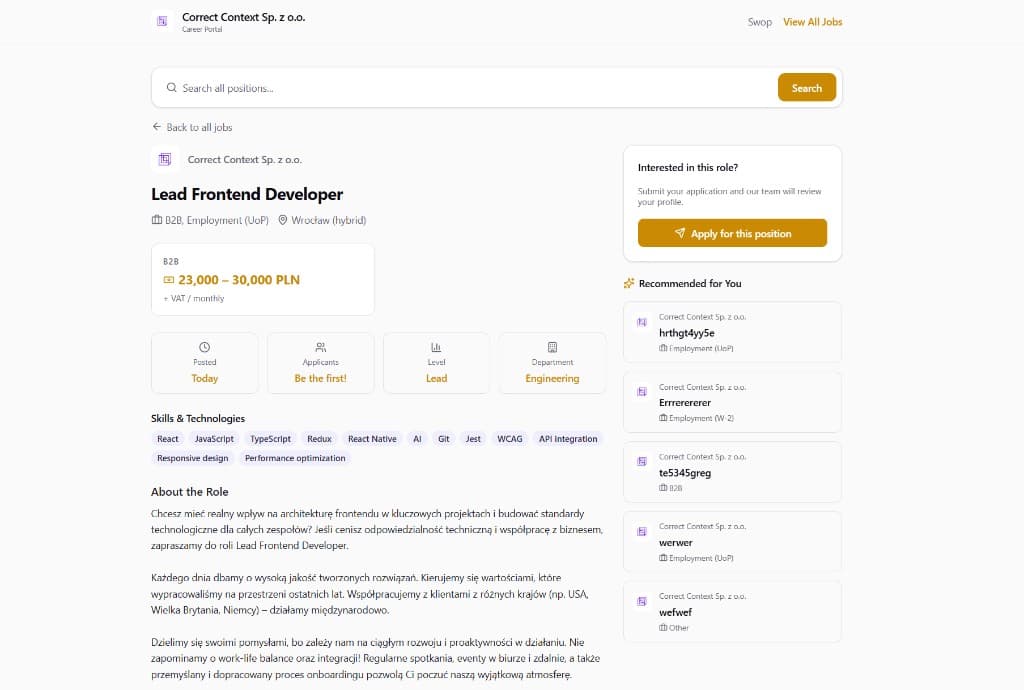
Candidate view — Job details
Clicking a job shows the full details page with salary range, posting date, applicant count, level, department, skills, and a complete job description. The “Apply for this position” button and recommended jobs sidebar help candidates take action.
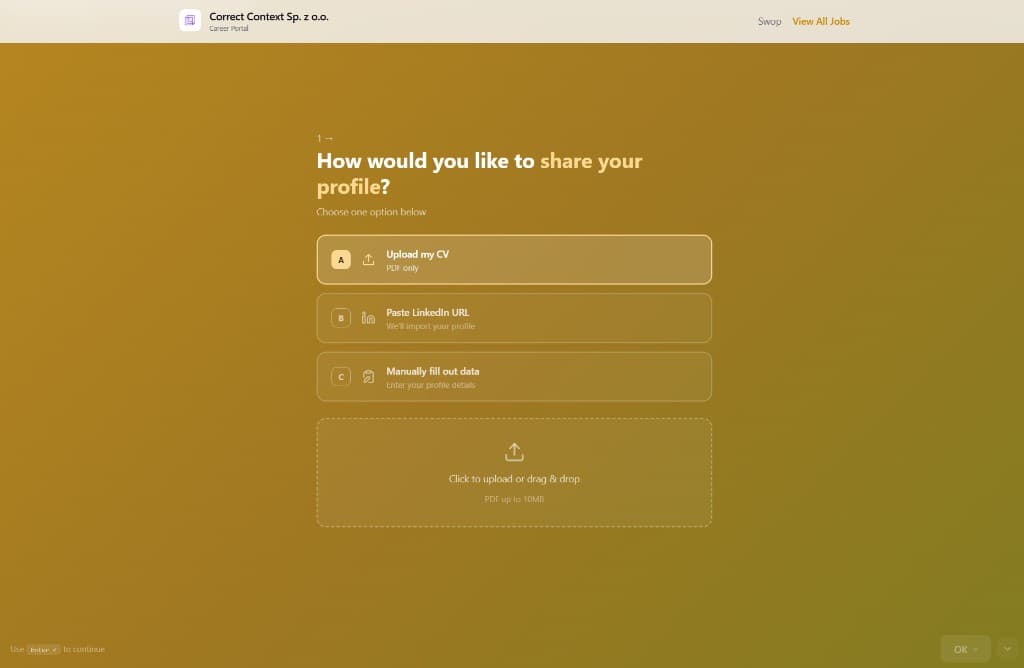
Application flow
When candidates click Apply, they can upload their CV (PDF), paste a LinkedIn URL for auto-import, or fill out data manually. Uploaded profiles flow directly into your candidate pipeline.