Job Management
Create, import, and manage all your job postings from one place. Use AI to parse job listings automatically.
View all jobs
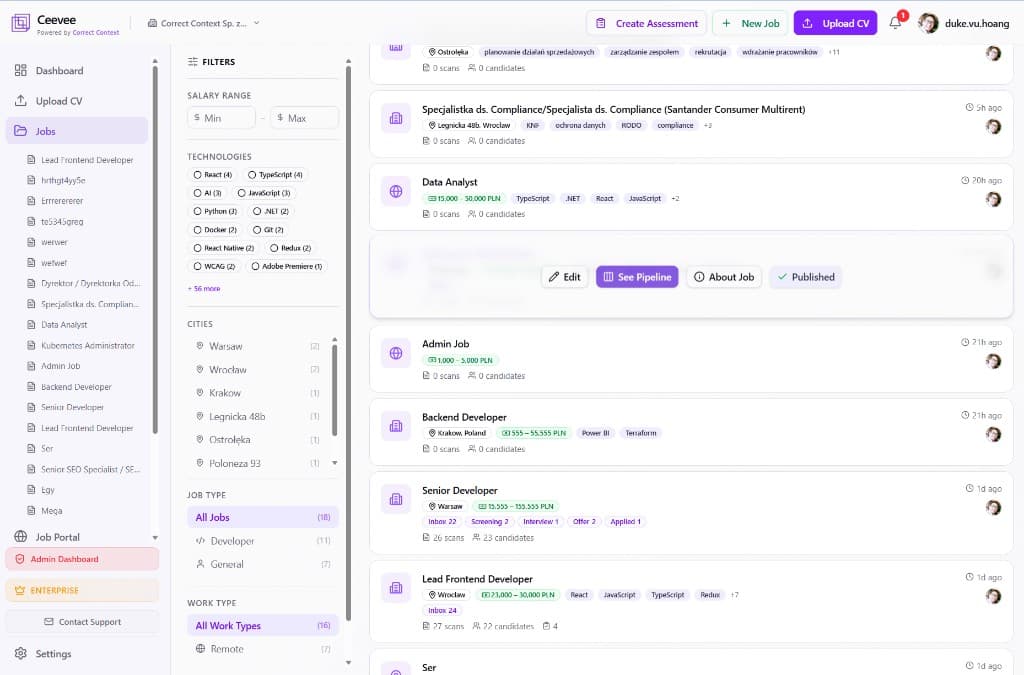
The Jobs page shows all your positions with filters for salary range, technologies, cities, job type (Developer, General), and work type (Remote, Hybrid, On-site). Each card shows key details, scan and candidate counts.
Create a job with the wizard
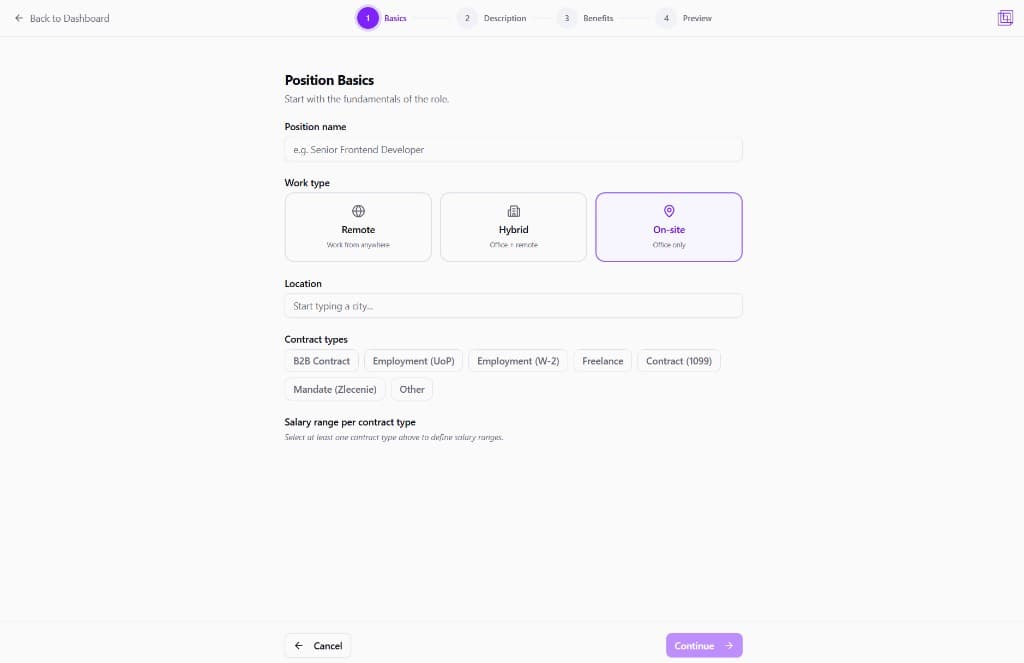
Click "+ New Job" to open the creation wizard. Step through Basics (position name, work type, location, contract types, salary ranges), Description, Benefits, and Preview before publishing.
Import jobs with AI
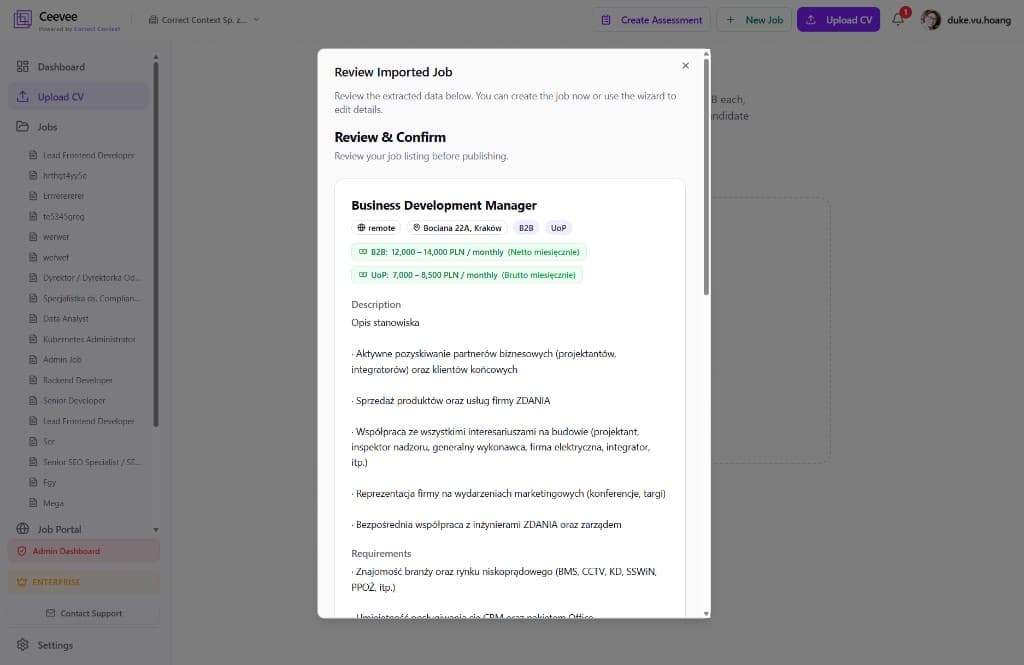
Paste a job listing URL or text and let AI parse it automatically. The AI extracts position title, location, contract types, salary ranges, and the full description. Review the imported data and create the job in one click.
Manage existing jobs
Hover over any job card to access quick actions: Edit the listing, view the hiring pipeline, check the public job page, or toggle Published status. Use "See Pipeline" to manage candidates for that role.