Calendar & Scheduling
See your whole interview schedule in one place, synced two-way with Google Calendar, and let candidates book meetings through your personal booking link.
Connect Google Calendar
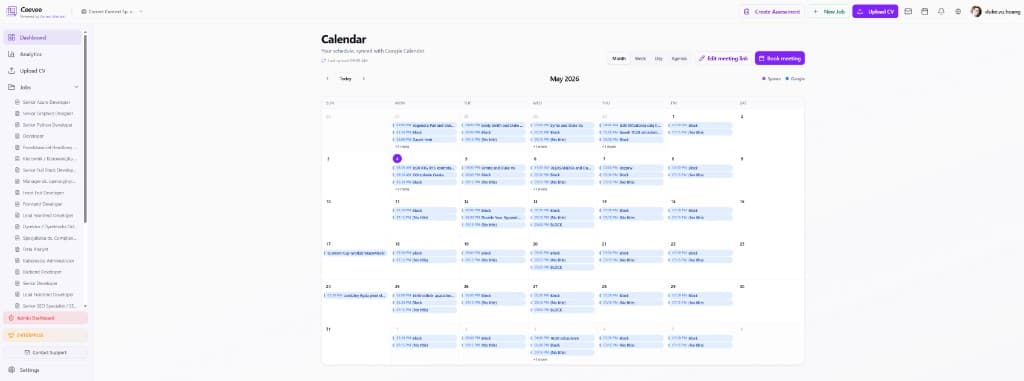
Go to Calendar in the sidebar and connect your Google account. Ceevee syncs events both ways — the “Last synced” indicator at the top shows the connection is live.
Browse your schedule
Switch between Month, Week, Day and Agenda views. Events are color-coded by source — workspace events (interviews booked in Ceevee) and Google events — so you can tell them apart instantly.
Book a meeting
Click “Book meeting” to schedule an interview. Pick the candidate, time and duration — the event lands in both Ceevee and your Google Calendar, and shows up on the candidate’s timeline.
Share your meeting link
Use “Edit meeting link” to configure your personal booking page. Send it to candidates (or drop it into an email template) and let them pick a slot that works — no back-and-forth.